GTA 5 Director Mode and Rockstar Editor: Make Your Own Films
GTA 5 Director Mode lets you play as story characters, peds and animals, then the Rockstar Editor turns your clips into films. Here is how to unlock and use both.
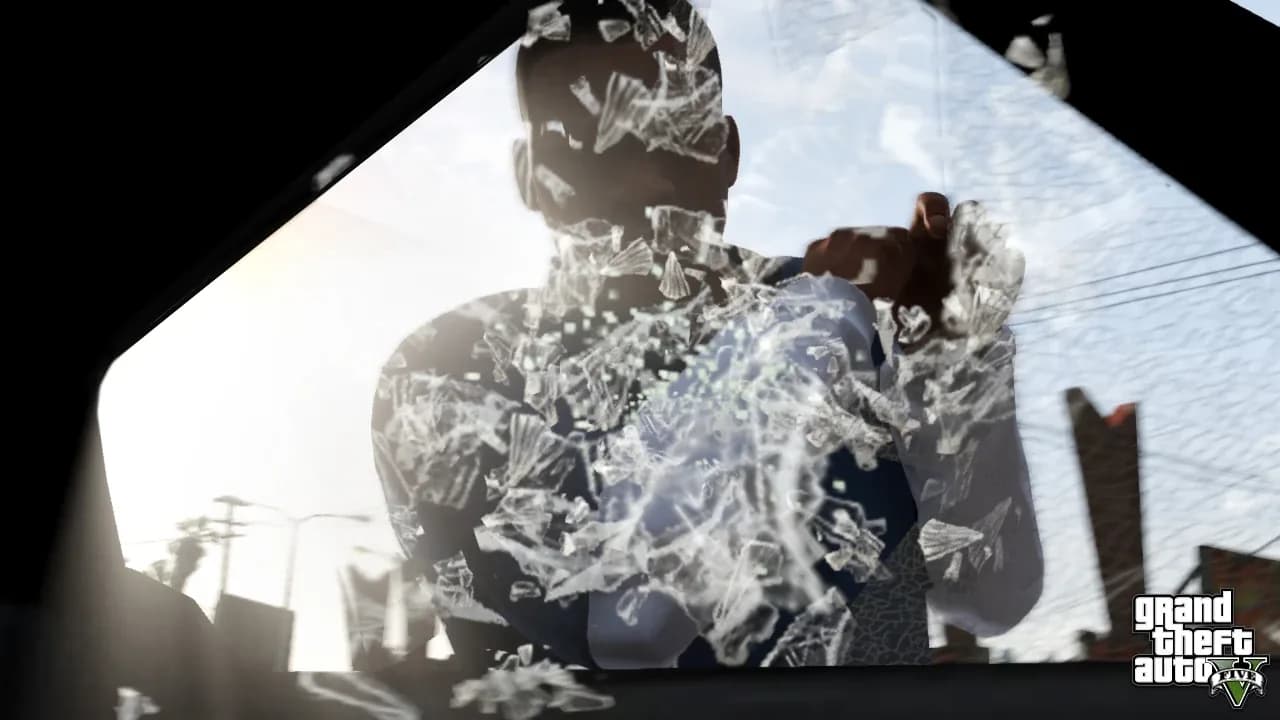
GTA 5 Director Mode is the game's built-in sandbox for staging scenes: you pick an actor, set the location, control the time, weather and wanted level, and roam freely with no missions to interrupt you. Pair it with the Rockstar Editor and you have a complete pipeline for shooting clips and cutting them into a finished film. This Rockstar Editor guide covers how to unlock Director Mode, every setting worth knowing, and how to export and publish your video.
How to unlock Director Mode in GTA 5
Director Mode is not available the moment you boot the game. You first need to finish the prologue and play at least one Story Mode mission so the feature menus are open. After that, there are three reliable ways in:
- Pause menu. Open the pause menu and go to the Rockstar Editor tab, the last tab on the far right, then select Director Mode.
- Phone contact. Each protagonist has a contact called Acting Up (originally named Los Santos Talent). Calling it drops you straight into Director Mode. The number is 1-999-57-825368 (it spells JRTALENT).
- Interaction Menu. Director Mode also appears in the Interaction Menu in GTA Online.
You cannot enter Director Mode while you are in a vehicle, wanted by police, in an active mission, during a cutscene, swimming, or in an online lobby. Step out, lose the stars, and the option becomes selectable. Your protagonist hub stays separate, so loading Director Mode never overwrites your main save.
Playing as story characters, pedestrians and animals
Once inside, you choose a single actor to control from 17 different categories: Animals, Beach Bums, Costumes, Downtown, Emergency Services, Gangs, Heist Characters, Laborers, Military, Online Characters, Professionals, Special Characters, Sports, Story Characters, Transport, Uptown and Vagrants.
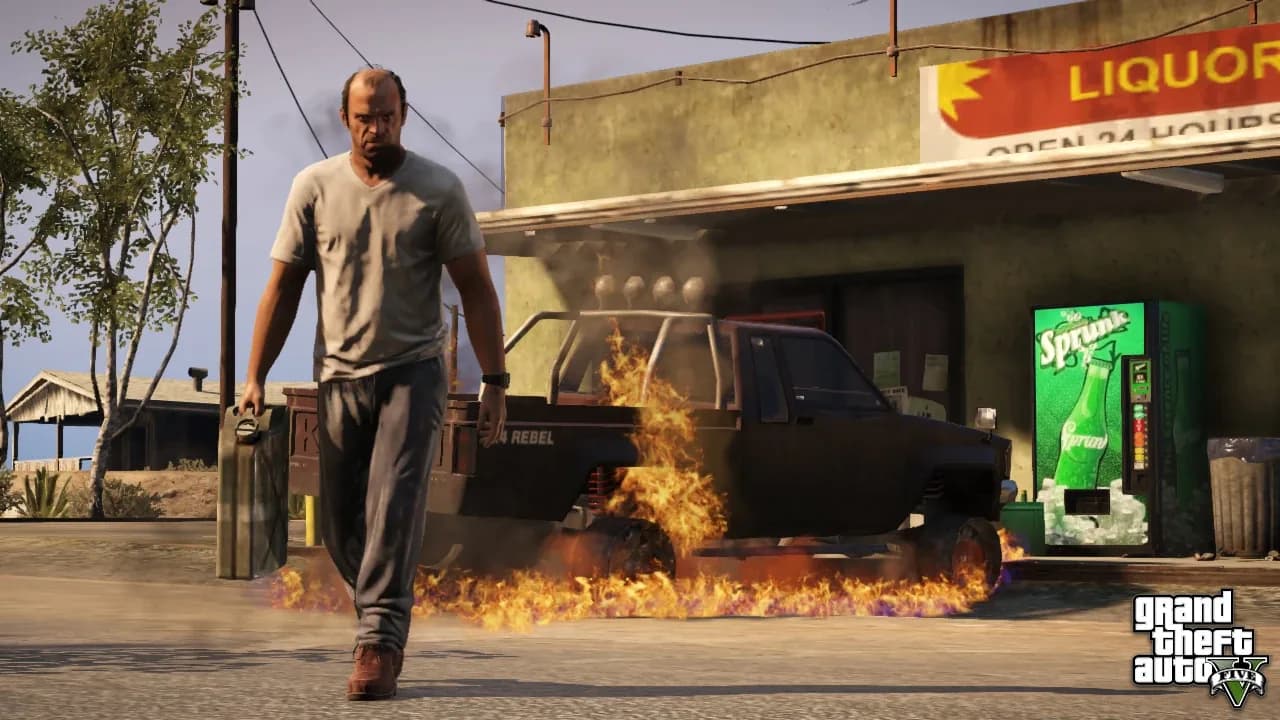
Story Characters gives you Michael, Franklin, Trevor and the supporting cast. The other sets cover the ordinary residents of Los Santos and Blaine County, from cops and gang members to joggers and beach-goers, which is exactly the range you want for staging a believable scene.
Animals are the standout, and they are the one set you have to earn. To unlock the controllable animals you must collect Peyote Plants in Story Mode. There are 27 Peyote Plants in total, and gathering the 21 land-based plants unlocks every animal actor and awards the Cryptozoologist achievement (the six underwater plants do not count toward the unlock). Each plant triggers a short hallucination that turns you into a random creature, and that animal then becomes permanently available in Director Mode. Animals cannot drive, take cover or use weapons, though some can attack.
Setting time, weather, wanted level and density
The control panel is where Director Mode earns its name. Every world variable is a menu toggle:
- Time of day. Lock the clock to presets including pre-dawn, dawn, morning, midday, afternoon, sunset and dusk, and freeze it so the lighting never drifts mid-shot.
- Weather. Choose from clear, broken cloud, overcast, hazy, smog, fog, snowy, rain and thunder. Fog and thunder are the easiest way to set a mood fast.
- Wanted level. Options are Normal (behaves like the story), Low (2 stars), Medium (3 stars), High (5 stars), and Disabled so you can commit any crime on camera without police response.
- Pedestrian density. Set crowd levels to Normal, Low, Medium, High or None. Choosing None clears the streets for a controlled shot, and it also removes land animals.
There are special-ability toggles too: invincibility, super jump, explosive bullets, flaming bullets, explosive melee, low gravity and slidey cars. They are gimmicks for fun footage rather than realism, but they open up stunts you cannot pull off in the normal game. For more world-bending options to film, see our GTA 5 cheats list.
Recording clips with the Rockstar Editor
Footage for your film is captured two ways. Action Replay runs a buffer in the background, so after something cool happens you can save it retroactively rather than missing the moment. Manual Recording lets you start and stop a take on demand. On controller you arm these by holding the D-pad down and choosing the recording option; PC players can bind the same actions. The length of an Action Replay clip depends on how busy the scene is: a crowded shoot-out or traffic chase can buffer as little as 10 seconds, while quiet, empty areas can run up to around 3 minutes, with busy moments averaging roughly 30 seconds.
Everything you capture is stored in your Rockstar Editor library, ready to drop onto a timeline. Clips recorded in Story Mode and in GTA Online both work, so you can shoot a Director Mode scene and a normal session and combine them. If you want stills instead of motion, the in-game camera and our GTA 5 screenshots gallery are the better fit.
Editing on the timeline: cameras, markers and effects
Creating a project opens the timeline, where you position your recorded clips in sequence and trim them. The real power is in the camera system. Each clip offers:
- Game Camera, which replays the exact angle you recorded.
- Pre-set angles that lock to the character from the front, rear, sides or overhead.
- Free Camera, which lets you fly the lens independently within a defined area for cinematic moves.
You shape a clip using markers placed along the timeline. At each marker you can change the camera angle, adjust depth of field, alter playback speed for slow-motion or fast-forward, and layer on overlay effects and sound effects. You can also add a music track from the in-game radio stations, drop in custom audio, and overlay text for titles and credits.
Exporting and publishing your film
When the edit is done, export the project to your Video Gallery. Finished videos render at up to 1080p. From the gallery you can review the result and publish it directly to YouTube and the Rockstar Games Social Club, so the whole workflow from raw capture to a shareable film stays inside the game. To keep building your skills across the rest of the game, our full GTA 5 hub collects every guide in one place.
Sources
- Director Mode (GTA Wiki). Access methods, actor categories, wanted and weather options.
- Peyote Plants in GTA V (GTA Wiki). Animal unlock requirement and Cryptozoologist achievement.
- Rockstar Editor (GTA Wiki). Recording modes, timeline, camera, effects and export.
- GTA V Rockstar Editor & Director Mode Guide (GTABase). Recording inputs and editing detail.
- Get the most out of GTA 5's video editor (PC Gamer). Practical editing and export workflow.