How to Avoid GTA 6 Spoilers Before You Play (Launch Guide)
How to avoid GTA 6 spoilers before launch: mute keywords on X, block YouTube thumbnails, and stay spoiler free until you play through the story yourself.
To avoid GTA 6 spoilers, mute keywords across X, YouTube, Reddit, and Discord before launch day, and stop watching gameplay leaks the moment cutscene footage starts circulating. The biggest spoiler risk comes from the first 48 hours after release, when early players, streamers, and datamine accounts flood social feeds with story moments. This guide gives you a practical, spoiler-free plan you can set up in about ten minutes.
What's confirmed (so you know what's a spoiler)
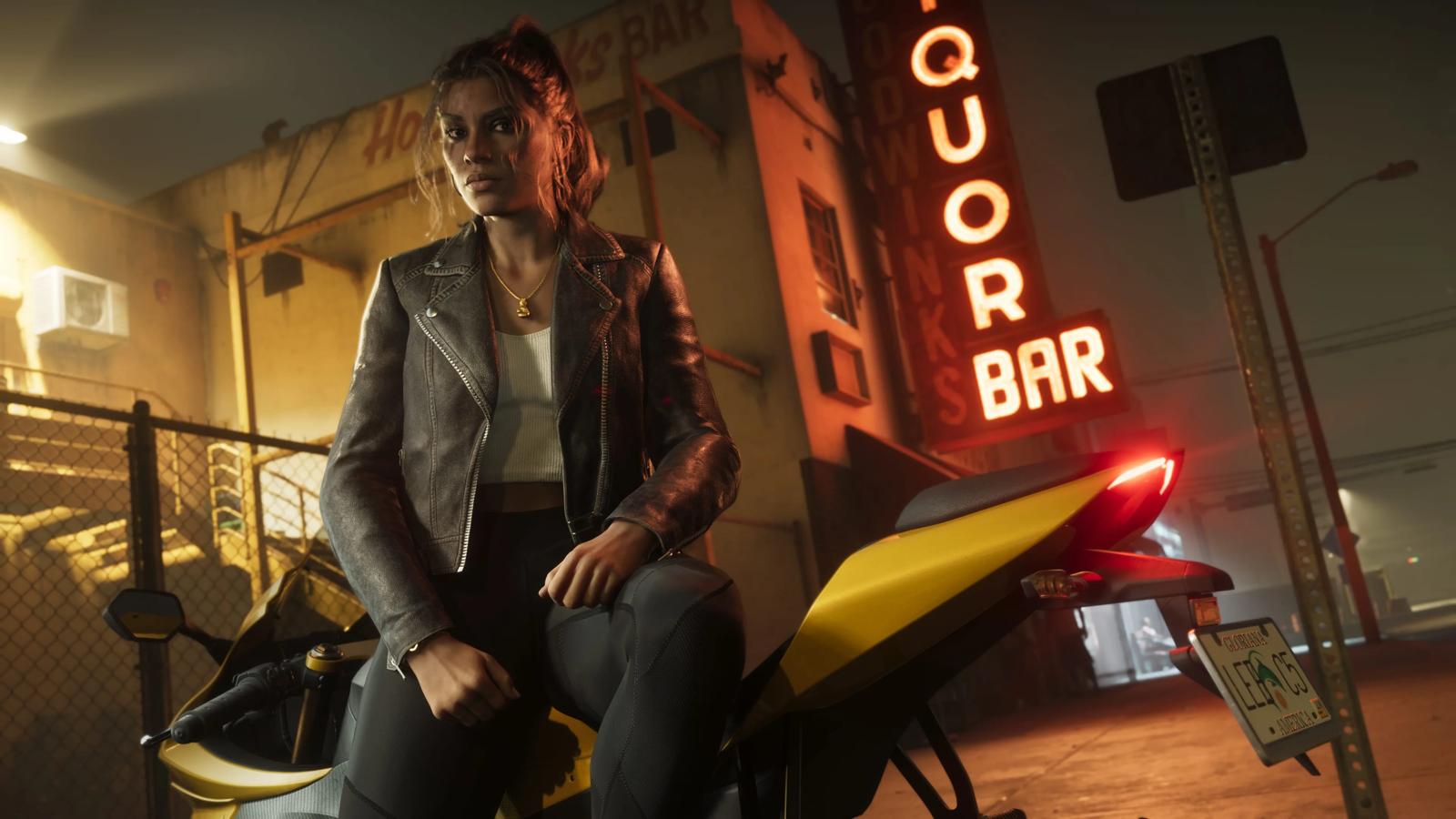
Knowing the official facts helps you spot what counts as a real spoiler. Rockstar Games has confirmed that GTA 6 releases November 19, 2026 on PS5 and Xbox Series X|S. The two playable protagonists are Jason Duval and Lucia Caminos, a criminal duo, and the game is set in Vice City and the wider state of Leonida, Rockstar's fictional take on Florida. Official footage so far is two trailers (December 2023 and May 2025) and the 27-minute Extended Look gameplay showcase (August 27, 2026), captured entirely from in-game footage on the PlayStation 5. The Extended Look is Rockstar material, so nothing in it is a spoiler; our Extended Look recap covers what it showed.
Anything beyond those officials, specific mission outcomes, who lives or dies, the ending, surprise locations, or characters not shown in the trailers or the Extended Look, is unconfirmed and should be treated as a spoiler. For the verified list as launch approaches, our GTA 6 hub tracks only Rockstar-sourced facts.
Mute keywords on X, YouTube, and Reddit
Most spoilers reach you through algorithmic feeds, so cut them off at the source.
- X (Twitter): Go to Settings and privacy, then Mute and block, then Muted words. Add terms like GTA 6 ending, Lucia, Jason, GTA VI spoiler, and common hashtags. Set the mute to apply to your Home timeline and notifications. It will not hide content in direct searches, so avoid searching the game name during launch week.
- YouTube: Spoilers leak through thumbnails and titles. A browser extension like BlockTube lets you blocklist keywords (and specific channels) so flagged videos never appear in your recommendations or home feed.
- Reddit: Reddit has weak keyword filtering, so the reliable fix is to leave or temporarily unfollow GTA subreddits until you finish the story.
Lock down notifications and group chats
Push alerts are a sneaky spoiler source. Turn off notifications from news apps, X, Reddit, and YouTube during launch week, since a single lock-screen headline can give away a major beat. Mute busy Discord servers and group chats, or set them to no notifications, and tell friends directly that you're going spoiler free. A quick message asking them not to tag or DM you story details prevents the most common accidental spoiler: a well-meaning friend.
Skip leaks and early gameplay footage
The hardest spoilers to dodge are deliberate ones. Datamine and leak accounts post mission lists, dialogue, and endings within days of release. Do not click "GTA 6 full story" or "GTA 6 all endings" videos, and be cautious with livestreams, where a streamer can hit a major cutscene without warning. If you want to see the world without the story, stick to official material: our GTA 6 screenshots page collects Rockstar imagery only, no leaked footage.
Play it first, browse later
The simplest spoiler-free strategy is speed: play through the main story before you go back online. GTA games are long, so set realistic expectations, but front-loading your playtime in the first week shrinks the window where spoilers can reach you. Once you've seen the ending yourself, lift your keyword mutes, rejoin the subreddits, and read discussion and guides (including our GTA 6 cheats page) on your own terms.
Update log
- September 12, 2026: Added the August 27, 2026 Extended Look to the list of official footage, which previously named only the two trailers.
Sources
- Grand Theft Auto VI is Now Set to Launch November 19, 2026 - Rockstar Games
- Grand Theft Auto VI: An Extended Look - Rockstar Games
- Grand Theft Auto VI - Wikipedia
- GTA 6's Lucia and Jason get full names and backstories - GamesRadar+
- How to Avoid Spoilers on YouTube, Twitter, and Reddit - VGKAMI
- I mastered the art of avoiding spoilers online - Yahoo Tech